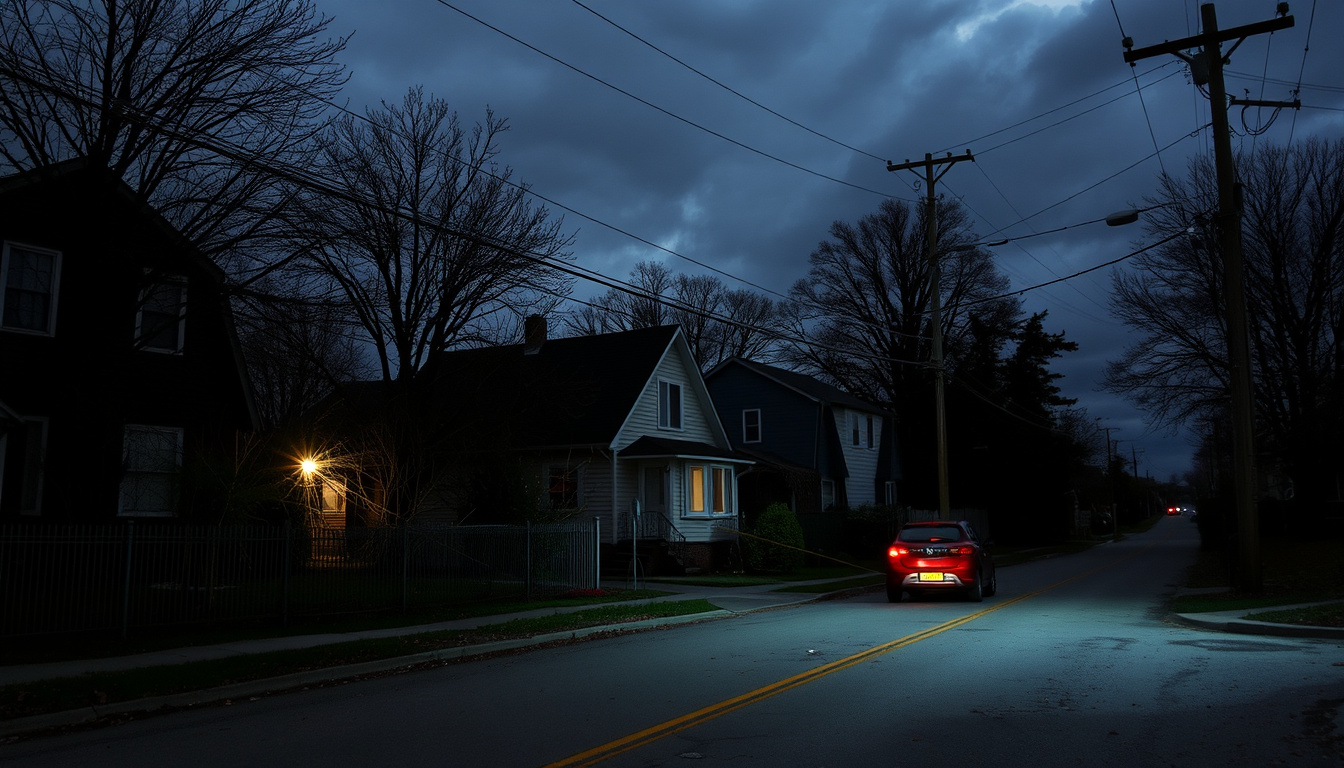
You flip a switch and nothing happens—a familiar sinking feeling for anyone living in Ireland, whether it’s a stormy night in Dublin or a quiet afternoon in Longford. This guide pulls together the official tools, safety steps, and practical tips to help you check, report, and ride out any power cut today.
Emergency phone: 1800 372 999 · Online outage check: powercheck.esbnetworks.ie · Report fault online: ESB Networks website
Quick snapshot
- ESB PowerCheck shows real-time outage map and fault clusters (ESB Networks (official utility operator))
- Emergency phone 1800 372 999 is available 24/7 (ESB Networks (official fault reporting))
- Exact restoration times are not always predictable (ESB Networks (safety guidance))
- ESB Networks may share live Twitter/X updates during storms (ESB Networks (outage updates))
- Estimated restoration time shown on PowerCheck map (ESB Networks (PowerCheck guidelines))
- Report faults online or call 1800 372 999 if outage not listed (ESB Networks (fault reporting))
The table below summarizes the essential outage information at a glance.
| Item | Details |
|---|---|
| Official outage map | powercheck.esbnetworks.ie |
| Emergency phone | 1800 372 999 |
| Report online | ESB Networks website |
| Average restoration | Varies; check PowerCheck for your area |
How to check ESB outage?
Using ESB PowerCheck online
- Visit powercheck.esbnetworks.ie on any browser (Safari, Firefox, Chrome, Edge) (ESB Networks (official utility operator)).
- Zoom in on the map to see individual outages near you. Cluster icons break into separate pins as you zoom. (ESB Networks (PowerCheck guidelines)).
- Tap any pin to view details including estimated restoration time (ESB Networks (PowerCheck guidelines)).
- You can also enter your Eircode or MPRN to check for your specific address (Solar Info (energy guide)).
Using the ESB Networks app
- The PowerCheck website is fully mobile responsive—no dedicated app required (ESB Networks (official utility operator)).
Calling the ESB emergency line
- Dial 1800 372 999 (free from landlines) or +353 21 2382410 from mobile/abroad (ESB Networks (fault reporting)).
- Have your MPRN (11-digit number on your bill) and address details ready (ESB Networks (official utility operator)).
The implication: always check PowerCheck first to avoid unnecessary calls.
Is there a power outage in Dublin today?
Checking the ESB PowerCheck map for Dublin
- Open powercheck.esbnetworks.ie and navigate to Dublin on the map. The tool covers all of Ireland, including Dublin and Longford (ESB Networks (official utility operator)).
- You can also view a local-area list of service interruptions alongside the map (ESB Networks (PowerCheck guidelines)).
Common causes of Dublin power outages
- Weather (storms, wind, lightning) is the top cause in Dublin. Equipment faults and planned maintenance also trigger outages (ESB Networks (safety guidance on outage causes)).
Live updates from ESB Networks
- During major storms, ESB Networks often posts updates on its Twitter/X account and the PowerCheck page itself lists real-time information (ESB Networks (outage updates)).
The catch: always verify on the map, as social media updates may lag.
How do I report no electricity in my area?
Reporting online via ESB PowerCheck
- Go to ESB Networks (fault reporting page). You’ll need your Eircode and phone number, or your MPRN plus the account name/phone number (ESB Networks (official utility operator)).
- The online form is available 24/7 and submits directly to ESB Networks (ESB Networks (official utility operator)).
Reporting by phone to 1800 372 999
- The phone line is also open 24/7. Have your MPRN ready to speed things up (ESB Networks (fault reporting)).
- If you see a fallen wire, call 999 or 112 first, then ESB Networks (ESB Networks (safety warning)).
Safety tips before reporting
- Always assume fallen power lines are live. Stay at least 20 metres away and warn others (ESB Networks (official utility operator)).
- If your neighbours are also without power, skip the phone report and use PowerCheck first—your outage is likely already known (ESB Networks (official utility operator)).
Reporting promptly ensures you are in the system, but safety first.
How do I check when my electricity will be back?
Estimated restoration time on PowerCheck
- On the PowerCheck map, tap your outage pin to see the estimated restoration time (ERT) if one has been issued (ESB Networks (PowerCheck guidelines)).
- Restoration estimates depend on fault severity, weather conditions, and crew availability (ESB Networks (safety guidance)).
Understanding fault severity and repair timelines
- High-priority faults—like downed lines or public safety risks—are fixed first (ESB Networks (safety guidance)).
- Minor faults in remote areas may take longer. The PowerCheck map updates as repair crews are assigned and work progresses (ESB Networks (PowerCheck guidelines)).
Contacting ESB Networks for updates
- If the estimated time has passed and your power is still off, call 1800 372 999 for an update (ESB Networks (official utility operator)).
- During major events, ESB Networks posts wider updates on its website and social media (Solar Info (energy guide)).
Restoration times are dynamic—check PowerCheck first before calling. The map reflects the latest crew assignments, so it’s usually ahead of phone operators.
Monitoring the map and calling only after estimated time passes is the most efficient approach.
What is the first thing you do when the power goes out?
Check if the outage is local or widespread
- Look outside—are neighbours’ lights off? Visit PowerCheck to see if your area is marked as a known outage (ESB Networks (official utility operator)).
- If it’s just your home, check your own fuse board before reporting (Electric Ireland (energy provider)).
Unplug sensitive electronics
- Unplug computers, TVs, and other sensitive devices to protect them from surges when power returns (Electric Ireland (energy provider)).
- Leave one light on so you know when the power is back (Electric Ireland (energy provider)).
Use flashlights, not candles
- ESB Networks warns that candles are a fire risk. Keep battery-powered torches and lanterns handy (ESB Networks (safety guidance)).
Keep refrigerator and freezer closed
These steps keep you safe and minimize food loss during an outage.
Step-by-step: what to do during a power outage
- Check PowerCheck – Visit powercheck.esbnetworks.ie to confirm the outage is known.
- Unplug electronics – Protect devices from power surges.
- Turn off heating appliances – Ovens, kettles, space heaters left unattended are a fire risk.
- Keep fridge/freezer closed – Food stays cold longer without opening.
- Use battery lights – Never use candles or open flames.
- Check on vulnerable neighbours – Older or housebound neighbours may need help (Electric Ireland (energy provider)).
- Report if not listed – If PowerCheck shows nothing, call 1800 372 999.
Follow these steps in order to stay safe and get your power back faster.
Confirmed facts
- ESB PowerCheck provides real-time outage information (ESB Networks (official utility operator))
- Emergency number 1800 372 999 works 24/7 (ESB Networks (fault reporting))
- Online fault reporting is available around the clock (ESB Networks (official utility operator))
What’s unclear
- Exact restoration times can shift without notice (ESB Networks (safety guidance))
- The root cause of an outage may not be reported immediately (Solar Info (energy guide))
What ESB Networks and Electric Ireland say
“Fallen electricity wires are live and dangerous. Do not touch or go near them.”
ESB Networks (official utility operator)
“Check the PowerCheck site for power outage updates and call ESB Networks immediately for fallen lines or outages.”
“PowerCheck provides real-time information on major faults and outage updates.”
ESB Networks (safety guidance)
These warnings from official sources highlight the importance of treating all electrical equipment with caution.
For anyone facing an extended outage in Ireland, the choice is clear: rely on PowerCheck for live data, report faults early, and keep your household safe with battery lights and a sealed fridge. If restoration times slip, calling 1800 372 999 gets you a direct update from the crews who fix it.
Related reading: **Check outages in Ireland**
facebook.com, wattsgoinon.com, solentpower.co.uk, x.com, ade-power.co.uk, esbnetworks.ie, facebook.com
For real-time updates on electricity disruptions, the ESB PowerCheck outage map provides a live view of affected areas across Ireland.
Frequently asked questions
Why did the power suddenly turn off?
Common causes include weather (storm damage), equipment faults, or planned maintenance. Check the PowerCheck map to see if your area is listed (ESB Networks (safety guidance)).
Are you allowed to flush the toilet when the power is out?
Yes, if you have a gravity-fed system. However, if you have a pump-assisted toilet or a septic system with an electric pump, flushing may not work and could cause backups. ESB Networks recommends using bottled water for flushing if needed (Electric Ireland (energy provider)).
How long are eggs good in the fridge if the power goes out?
If the fridge stays closed, eggs are safe for about 4 hours. After that, discard any eggs that have been above 4°C for more than 2 hours (Electric Ireland (energy provider)).
Which areas near me are affected by power outage?
Open the PowerCheck map at powercheck.esbnetworks.ie and zoom to your location. The map shows current outages, with clusters breaking into individual pins as you zoom (ESB Networks (PowerCheck guidelines)).
What is ESB PowerCheck?
ESB PowerCheck is the official online tool from ESB Networks that shows real-time service interruptions on a map, with estimated restoration times and fault locations (ESB Networks (official utility operator)).
How can I prepare for a power outage in Ireland?
Keep a battery-powered torch, a power bank for your phone, a stocked emergency kit, and a supply of bottled water. Know where your fuse board is, and save the emergency number 1800 372 999 (ESB Networks (safety tips)).
Does ESB Networks charge for fault repairs?
No. ESB Networks does not charge customers for restoring power or repairing faults on its network. Call 1800 372 999 if you have any concerns (ESB Networks (fault reporting)).
For anyone in Ireland facing a power cut today, the best first step is the PowerCheck map. It shows live outages, estimated fixes, and lets you report faults fast. Keep the emergency number 1800 372 999 handy, stay safe from fallen wires, and remember: your fridge stays cold longer if you keep it closed.