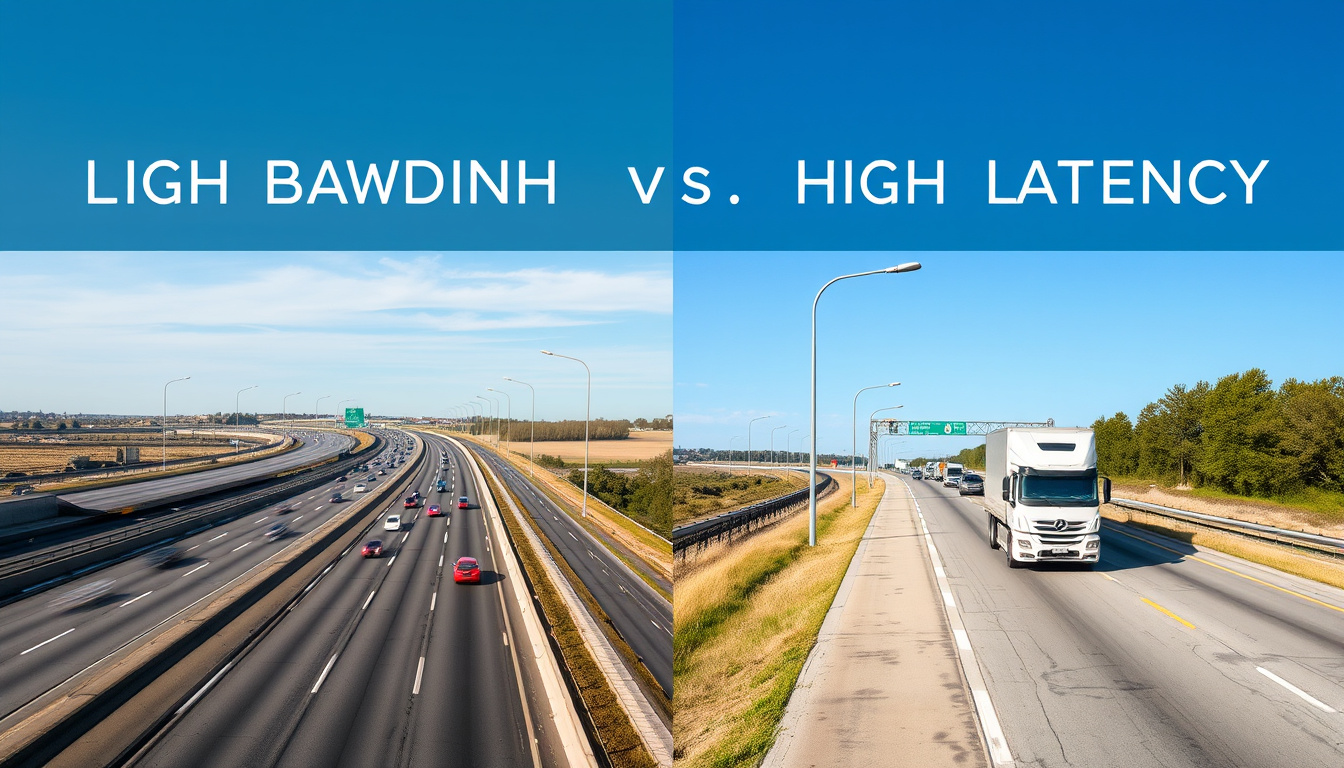
Anyone who’s shopped for internet plans or tried to fix a laggy game night quickly runs into two numbers: speed in Mbps and ping in ms. Understanding the difference between latency and bandwidth turns frustration into informed decisions.
Recommended latency for gaming: under 50ms ·
Bandwidth required for 4K streaming: 25 Mbps ·
Typical fiber internet latency: 10–20ms ·
Average US broadband download speed: 200 Mbps ·
Ping of 2ms is considered: excellent
Quick snapshot
- Latency measures time delay in milliseconds, bandwidth measures data capacity in Mbps or Gbps (High Performance Browser Networking)
- Low latency (under 50ms) is critical for real‑time apps like gaming and video calls (FiberLight)
- 5GHz WiFi typically has lower latency than 2.4GHz under good signal conditions (High Performance Browser Networking)
- Exact latency thresholds vary by game, platform, and individual perception
- How much QoS settings actually reduce lag depends on router hardware and network congestion
- Impact of VPN on latency is inconsistent – sometimes adds 5ms, sometimes 50ms
- U.S. terrestrial broadband latencies have remained stable over recent years, with fiber offering the lowest average (High Performance Browser Networking citing FCC data)
- More homes gain fiber access, lowering baseline latency
- WiFi 6E and future standards further reduce wireless latency
- Gamers increasingly demand sub‑20ms connections for competitive play
The key numbers show how connection type and application requirements differ:
| Metric | Value | Context |
|---|---|---|
| Minimum bandwidth for SD streaming | 3 Mbps | Netflix recommendation |
| Minimum bandwidth for 4K streaming | 25 Mbps | Netflix recommendation |
| Acceptable gaming latency | under 50ms | FiberLight |
| Latency on fiber vs cable vs DSL | Fiber 10–20ms; Cable 15–30ms; DSL 30–60ms | High Performance Browser Networking |
| Ping vs latency | Ping is a measure of round‑trip latency | AWS |
The pattern: Latency and bandwidth serve different roles but get conflated. Latency determines responsiveness; bandwidth determines data volume. Confusion leads to buying the wrong internet plan for gaming or streaming.
What is the difference between latency and bandwidth?
What is latency?
- Latency is the time it takes for data packets to travel from source to destination, measured in milliseconds (High Performance Browser Networking).
- Think of it as the wait time – like the delay between pressing a button and seeing the result on screen.
- Factors: physical distance, routing efficiency, congestion, and medium (fiber, cable, wireless).
What is bandwidth?
- Bandwidth is the maximum throughput capacity of a communication path, commonly measured in Mbps or Gbps (High Performance Browser Networking).
- It is often compared to the width of a pipe or the number of highway lanes (HighSpeedInternet.com).
- Higher bandwidth allows more data to flow simultaneously, but does not affect how fast each packet travels.
How are they related?
- The two metrics are independent: a high‑bandwidth connection can still have high latency, and vice versa (AWS).
- Throughput – the actual data transferred over time – is affected by both latency and bandwidth (AWS).
- Analogies help: latency is the travel time of a letter, bandwidth is the number of postal trucks you have.
Latency and bandwidth answer different questions: “How fast does the first byte arrive?” vs “How much data can I move per second?”. Confusing them leads to buying the wrong plan for gaming or streaming.
The implication: when you upgrade your internet plan to a higher Mbps, you get more bandwidth – but your ping likely stays the same. To reduce lag, you need to attack the latency side.
Does higher bandwidth mean higher latency?
What does high bandwidth and low latency mean?
- Bandwidth and latency are not causally linked. Adding bandwidth does not increase latency by itself (AWS).
- However, network congestion can raise latency when the pipe is full. More bandwidth reduces that congestion, so it can indirectly lower latency during peak usage.
- The phrase “high bandwidth, low latency” describes an ideal connection: wide pipe with very little delay.
“Bandwidth describes network capacity, while latency describes delay.”
AWS (cloud infrastructure leader)
The catch: a fast, wide pipe can still have high delay if the signal travels a long distance (e.g., cross‑continent routes). That’s why a gigabit fiber link from New York to Sydney feels sluggish – the 200–300ms round‑trip time is baked in by physics, not bandwidth.
Bufferbloat – when a router’s buffer delays packets even on fast connections – can make high‑bandwidth links feel high‑latency. Active queue management (AOM) helps (HighSpeedInternet.com).
What is a good latency for gaming and WiFi?
Is 40 latency good or 50?
- 40ms is acceptable for most online games; 50ms may introduce a slight delay in fast‑twitch titles.
- Under 20ms is excellent, 20–50ms is good, 50–100ms is noticeable, above 100ms is problematic for real‑time play (FiberLight).
Is 2ms ping fast?
- Yes – 2ms ping is excellent and typical for local wired networks. It indicates negligible delay.
What latency should my WiFi be at?
- WiFi latency varies; a stable under‑30ms is a strong target for gaming and video calls (FiberLight).
- Anything above 100ms on WiFi likely indicates interference, distance, or congestion issues.
“A low‑latency network under 50 ms is described as ideal for real‑time services such as video conferencing and online gaming.”
FiberLight (network infrastructure provider)
The pattern: thresholds are not universal. A fighting game player will feel 40ms more than an RPG player. The best approach is to test your own connection with a ping command or online tool.
Is 2.4 GHz or 5GHz better for latency?
How does WiFi frequency affect latency?
- 5GHz offers lower latency than 2.4GHz because it has less interference and supports higher data rates.
- 2.4GHz has longer range but is crowded with microwaves, Bluetooth, and old devices.
- For latency‑sensitive tasks, 5GHz is better when the signal is strong (FiberLight).
Which band is best for gaming?
- Use 5GHz for gaming, as it typically reduces ping by 5–15ms compared to 2.4GHz on the same network.
- If 5GHz signal is weak (low bars), 2.4GHz may be more stable – but still aim for wired Ethernet.
5GHz cuts through interference at the cost of range. In a home office close to the router, 5GHz wins. Two floors away, 2.4GHz may deliver lower latency because packet loss is lower.
How can you improve your gaming latency?
What are practical steps to reduce lag?
- Use wired Ethernet instead of WiFi – it eliminates wireless variability and lowers latency significantly.
- Close background applications (streaming, file downloads) that consume bandwidth and cause congestion.
- Optimize router settings: enable QoS (Quality of Service), use 5GHz band, update firmware.
- Test your connection with tools like ping, traceroute, or Speedtest to identify bottlenecks.
Is Ethernet better than WiFi?
- Yes – Ethernet provides consistent sub‑5ms latency, while WiFi can fluctuate between 5ms and 50ms depending on environment.
Do I need 800 Mbps internet for gaming?
- No – 800 Mbps is overkill for gameplay itself; 25–50 Mbps is sufficient for most online games. Higher bandwidth helps only with large game downloads (AWS).
Why this matters: many gamers buy expensive high‑bandwidth plans expecting lower ping, only to remain frustrated. The real fix is reducing latency through wired connections, router placement, and QoS.
Latency and bandwidth serve different roles, but they often get packaged together in marketing. This table highlights the contrast:
| Attribute | Latency | Bandwidth |
|---|---|---|
| Definition | Time delay for data travel | Maximum data transfer capacity per second |
| Unit | Milliseconds (ms) | Megabits per second (Mbps) or Gigabits per second (Gbps) |
| Impact on gaming | Determines responsiveness (lag) | Affects download speeds and game updates |
| Impact on streaming | Buffering if too high (jitter) | Determines max resolution and simultaneous streams |
| Connection factors | Distance, routing, medium type | ISP plan, connection type (fiber, cable, DSL) |
| Improvement | Use Ethernet, reduce distance, QoS | Upgrade plan, switch to fiber |
What we know for sure – and what’s still fuzzy
Confirmed facts
- Latency and bandwidth are independent metrics (AWS).
- Lower latency improves real‑time applications like gaming (FiberLight).
- 5GHz typically has lower latency than 2.4GHz under good conditions.
What’s unclear
- Exact latency thresholds vary by game and user perception.
- Impact of QoS settings depends heavily on router hardware and firmware.
- VPN latency changes are unpredictable without testing.
- Bufferbloat fixes (like SQM) may not work on all routers.
“The actual round‑trip time between New York and Sydney over existing networks is about 200 to 300 milliseconds.”
High Performance Browser Networking (web performance research)
For the typical home user, the actionable takeaway is clear: focus on reducing latency before chasing higher bandwidth. A wired 50Mbps connection with 15ms ping will beat a wireless 500Mbps connection with 60ms ping for games and video calls.
Related reading: Understanding bandwidth vs latency for optimal network performance · Understanding bandwidth vs latency for optimal network performance
For Japanese readers, a detailed explanation of what is latency vs bandwidth can be found in this specific guide.
Frequently asked questions
What is jitter and how does it affect latency?
Jitter is the variation in packet arrival times. High jitter can cause lag spikes even if average latency is low. It matters for real‑time applications like voice chat and competitive gaming.
How does a VPN affect my latency?
A VPN routes traffic through an extra server, which can add 10–50ms of latency. Choosing a server close to your physical location minimizes the increase.
What is the difference between ping and latency?
Ping is a utility that measures round‑trip time (RTT), which is the most common measure of latency. They are often used interchangeably, with ping referring to the result of a particular test.
Can upload bandwidth affect latency?
Yes – if upload capacity is saturated, outgoing packets queue up, increasing round‑trip times. This is common in asymmetric connections (e.g., cable). QoS can help prioritize gaming traffic.
What is bufferbloat and how to fix it?
Bufferbloat occurs when routers buffer too many packets, causing inflated latency. Solutions include enabling Smart Queue Management (SQM) or using routers with modern AQM algorithms.
For anyone setting up a home network, the choice is straightforward: prioritize low latency for interactive tasks, and ensure enough bandwidth for your largest data needs. A gamer with a cable plan of 200Mbps and a wired Ethernet connection likely has better experience than a neighbor on 800Mbps WiFi with 80ms ping. Measure your ping, fix your network, then buy more bandwidth only if you actually need it.