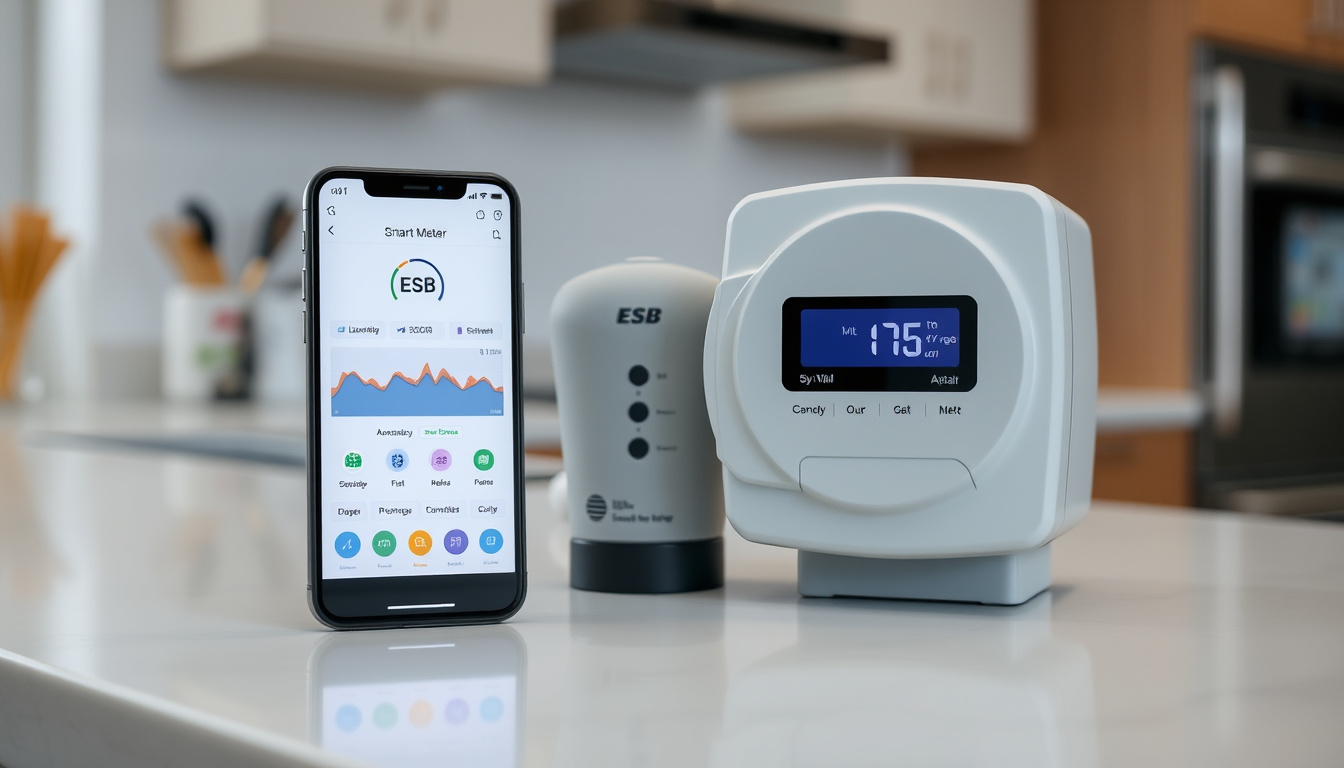
Irish households with smart meters access their electricity data through the ESB Networks portal, not a dedicated app. Registration takes three minutes with an MPRN, and usage data updates within 36 to 48 hours. This guide walks through every step from sign-up to downloading half-hourly readings for tariff comparisons.
Provider: ESB Networks · MPRN Digits: 11 · Usage Data Views: Daily, Weekly, Monthly, Yearly · App Features: Energy insights, Meter readings, Bills, Payments · Compatible Platforms: Android, iOS
Quick snapshot
- No dedicated ESB app exists — access is via Selectra.ie portal only
- ESB Networks operates the official smart meter portal nationwide (Selectra.ie)
- Portal works regardless of your electricity supplier (Selectra.ie)
- Whether ESB will launch a branded app in future
- Integration with third-party platforms like Samsung SmartThings or Loop
- Smart meter rollout ongoing — request via official form
- Data updates appear 36–48 hours after meter reading
- Portal supports up to 2 years of historical data
- Download half-hourly readings for price comparisons
- Use Electric Ireland app for mobile biometrics login
- Contact support at 021-238-6555 option 0 for signup help
These are the official access points and key details for managing your ESB smart meter data.
| Field | Value |
|---|---|
| Primary Provider | ESB Networks |
| Companion App | Electric Ireland |
| Portal URL | myaccount.esbnetworks.ie |
| App Google Play | play.google.com/store/apps/details?id=ie.electricireland.resmobile |
| App Store | apps.apple.com/ie/app/electric-ireland/id6444361812 |
| Sign-up Form | esbnetworks.ie/services/manage-my-meter/about-smart-meters/smart-meter-form |
How do I access my ESB smart meter?
Accessing your smart meter data in Ireland starts with the official ESB Networks portal at myaccount.esbnetworks.ie. There is no dedicated ESB-branded mobile app — instead, you log in through the website on any browser or through the Electric Ireland app on Android and iOS. The portal works regardless of which electricity supplier you currently use, so you don’t need to switch providers to access your data.
Register with ESB Networks
Head to myaccount.esbnetworks.ie and click “Create My Account” at the bottom of the page, then select “Register Now” (ESB Networks step-by-step guide). The registration process takes about 3 minutes and requires three pieces of information: your MPRN from your electricity bill, a mobile phone number that matches your supplier records, and an email address (Kilowatt.ie walkthrough). Two-factor authentication ties your account to that mobile number, so keeping the details accurate matters.
Locate your MPRN
Your MPRN (Meter Point Reference Number) is an 11-digit number printed on your electricity bill, usually near your account details. If you don’t know your MPRN, the “Find My MPRN Service” in the portal can help you locate it — just search by your address or account name (ESB Networks account services). This number is the key identifier the system uses to link your meter to your account.
Sign up for smart meter
If you don’t yet have a smart meter installed, the rollout across Ireland is ongoing. You can request one through the Smart Meter Sign Up Form on ESB Networks. Once your smart meter is installed and registered, your usage data will begin appearing in your portal account within 36 to 48 hours (ESB Networks official usage page).
A mismatch between the name or mobile number you provide during registration and the details your electricity supplier has on file can result in loss of MPRN access. If you run into this, call the support line at 021-238-6555 option 0 for help resolving it.
Is there a smart meter app in Ireland?
ESB Networks does not offer a dedicated smart meter app for direct download. The official route is the ESB Networks portal accessed via web browser, though the Electric Ireland app (available on Android and iOS) provides an alternative mobile entry point with biometric login support and energy insights. Other suppliers like Energia have their own apps, but these typically pull data only for their own customers, not across all Irish households.
ESB Networks options
The ESB Networks portal at myaccount.esbnetworks.ie is the primary access method for all Irish smart meter users regardless of supplier. It gives you daily, weekly, monthly, and yearly usage charts by default (ESB Networks usage page), plus access to meter readings, power outage status, and the ability to submit readings manually. The portal also offers bill payment services for ESB invoices.
Electric Ireland app
The Electric Ireland app on the App Store and Google Play works as a companion tool for Electric Ireland customers with smart meters. It supports biometric login (Face ID or fingerprint), displays energy insights, allows you to enter meter readings, and shows recent bills. While it’s designed for Electric Ireland customers, many users find it more convenient than logging in through a web browser on their phone.
Other providers like Energia
Energia and other Irish electricity suppliers offer their own apps, but these are tied to their respective customer bases. If you’re a Energia customer, their app will show your smart meter data as long as your meter is registered with them. However, these apps don’t give you the independent access that the ESB Networks portal provides, which works for all Irish smart meter users no matter who their supplier is.
How do I read my ESB smart meter?
Reading your ESB smart meter means logging into the portal and accessing your usage data through charts or downloadable files. The portal displays your usage in weekly charts by default, with options to switch to daily, monthly, or yearly views (ESB Networks usage page). For more detailed analysis, you can download your readings as half-hourly data in kW format or calculate the equivalent kWh — kW measures power at a point in time, while kWh is the cumulative energy shown on your electricity bill (ESB Networks usage page).
Via ESB Networks portal
Once logged into the portal, navigate to “My energy consumption” and you’ll see usage charts broken down by day, night, and peak periods. The default view shows a week’s data at a time, but you can toggle between daily, weekly, monthly, and yearly summaries. For detailed comparisons with time-of-use tariffs, the half-hourly readings from the Downloads section are the most useful — avoid relying on daily totals for accuracy (Kilowatt.ie guide).
Using partner apps
Data from the ESB Networks portal can be uploaded to third-party price comparison platforms like Kilowatt.ie, which lets you see how your usage patterns might align with different tariff options. If you have Electric Ireland, their app pulls your smart meter data directly and presents it in an easier-to-read format. YouTube guides from ESB Networks and community members also walk through the signup and usage process step by step (Community Power FAQ).
Manual reading steps
Even without a smart meter, the ESB Networks portal lets you submit manual meter readings. After logging in, look for the meter reading submission option — this is useful if your meter hasn’t been read for a while or if you’re disputing a bill estimate. For smart meter users, the portal automatically pulls readings every 30 minutes, so manual submission becomes optional rather than necessary.
Your smart meter records readings every 30 minutes, but these only appear in your portal account 36 to 48 hours after the actual reading. If you’re trying to track real-time usage, that lag is worth knowing — the data is accurate but not instant.
Can I view my smart meter on my phone?
Yes, you can view your smart meter data on your phone in two main ways: through the Electric Ireland app with biometric login, or through your phone’s web browser accessing the ESB Networks portal directly. Both approaches give you the same underlying data — the difference is in the interface and login convenience.
Mobile app access
Download the Electric Ireland app from the App Store or Google Play and sign in with your Electric Ireland account. Once connected to your smart meter, the app displays your energy insights, lets you enter meter readings, and shows your recent bills — all with fingerprint or Face ID login. It’s a cleaner mobile experience than wrestling with a desktop portal on a phone screen.
Browser on phone
Open your phone’s browser and navigate to myaccount.esbnetworks.ie. The portal is mobile-responsive, so it adapts to smaller screens without needing an app. Log in with your email, password, and the verification code sent to your registered mobile number. From there, you can switch between chart views (daily, weekly, monthly, yearly) and access the Downloads section for half-hourly data.
Connection methods
Your smart meter communicates its readings to ESB Networks automatically through the existing electricity infrastructure — no Wi-Fi or Bluetooth needed on your end. The portal then pulls that data and makes it available to your account. When you access it via the Electric Ireland app, your phone connects through the app to your registered account, which pulls the same data from ESB Networks. Both paths lead to the same information; the app just wraps it in a more mobile-friendly interface.
The ESB Networks portal is intentionally supplier-independent: no matter whether you pay your electricity bill to Electric Ireland, Energia, SSE Airtricity, or another provider, your smart meter data lives in one place. This means you can compare tariffs across providers without losing access to your historical usage.
How to read ESB smart meter online?
Reading your ESB smart meter online means accessing the ESB Networks portal, navigating to your consumption data, and either reading the charts directly or downloading the raw half-hourly files. The process takes a few minutes once your account is set up, and the data is available going back up to two years (ESB Networks usage page). For those specifically looking for accommodation in the region, you can find a house to rent near me Mayo at house to rent near me Mayo.
Login process
Go to myaccount.esbnetworks.ie, enter your registered email address and password, then input the verification code sent to your mobile phone. Two-factor authentication ties your login to the phone number you registered with, so if you’ve changed numbers, you’ll need to contact support at 021-238-6555 option 0 before you can log in.
App download
To use the Electric Ireland app instead, download it from the App Store or Google Play. The app is free to install and works for Electric Ireland customers with registered smart meters. After downloading, open the app, sign in with your credentials, and enable biometric login if you’d prefer that over password entry each time.
Troubleshooting
If your data isn’t appearing in the portal, give it time — readings take 36 to 48 hours to populate after each half-hourly reading (ESB Networks official page). If your data still isn’t showing after two days, check that your MPRN is correctly registered and that your registered mobile number matches your current supplier records. For login issues, the support line at 021-238-6555 option 0 is staffed to help with signup problems. If you downloaded an HDF file for upload to a price comparison site, do not open it in Excel before uploading — the format can change and cause upload failures (Kilowatt.ie guide).
Key specifications at a glance
These specifications come directly from ESB Networks official documentation and verified third-party sources.
| Specification | Details |
|---|---|
| Data access method | ESB Networks portal (web) or Electric Ireland app |
| Portal URL | myaccount.esbnetworks.ie |
| Reading interval | 30 minutes (half-hourly) |
| Data update delay | 36 to 48 hours |
| Historical data range | Up to 2 years |
| Chart default view | Weekly |
| Available chart views | Daily, Weekly, Monthly, Yearly |
| Download formats | kW (power), calculated kWh (energy) |
| Registration requirements | MPRN, mobile phone, email address |
| Two-factor authentication | Mobile number matching supplier records |
| Support contact | 021-238-6555 option 0 |
| Registration time | Approximately 3 minutes |
Related reading: Tesco Online Shopping Ireland · An Post Post Box Costs Ireland
communitypower.ie, esbnetworks.ie, esbnetworks.ie, github.com
Irish households can streamline their setup by following this ESB smart meter login guide before exploring usage data in the ESB Networks portal or Electric Ireland app.
Frequently asked questions
Can I connect to my smart meter with my phone?
Yes — either through the Electric Ireland app (biometric login, energy insights) or by opening myaccount.esbnetworks.ie in your phone’s browser. Both give you access to the same usage data from your smart meter.
What is my MPRN for ESB smart meter?
Your MPRN (Meter Point Reference Number) is an 11-digit number printed on your electricity bill. If you can’t find it, the “Find My MPRN Service” in the ESB Networks portal can locate it using your address or account name.
Does Energia have a smart meter app?
Energia offers its own app for customers, but access is limited to Energia customers only. The ESB Networks portal remains the universal access point for all Irish smart meter users regardless of supplier.
Why is my ESB smart meter app not working?
Since there is no dedicated ESB app, issues typically involve the portal or Electric Ireland app. Common causes: data not yet updated (allow 36–48 hours), wrong MPRN or outdated supplier details, or login verification problems. Call 021-238-6555 option 0 for support.
How do I sign up for a smart meter?
Request installation through the Smart Meter Sign Up Form on the ESB Networks website. The rollout is ongoing across Ireland, and once your meter is installed, register on the portal using your MPRN.
Can I use SmartThings with ESB smart meter?
Direct integration with platforms like Samsung SmartThings is not officially supported by ESB Networks at this time. Third-party automation options are limited, though a community-developed Python script on GitHub exists for automated data downloads.
What data can I see in the app?
Through the Electric Ireland app, you can view energy insights, submit meter readings, check recent bills, and access your usage history. The ESB Networks portal adds the ability to download half-hourly HDF files and view breakdowns by day, night, and peak usage periods.
What experts and official sources say
“Only you have access to your smart meter data.”
— ESB Networks (Official Utility Operator)
“ESB Networks receives usage data directly from your smart meter but it may take 36 to 48 hours to become available on your online account.”
— ESB Networks Video Guide (Official Guide)
“No matter who your electricity supplier is, click here to access your smart meter data.”
— Kilowatt.ie (Energy Comparison Platform)
For Irish households with smart meters, the access question is straightforward: there is no dedicated ESB app, but the official ESB Networks portal and Electric Ireland companion app cover the essentials for most users. Registering with your MPRN takes three minutes, data updates within two days, and historical records span up to two years — solid foundations for anyone trying to understand their electricity usage or compare tariffs. The trade-off is that real-time data isn’t available (the 36-to-48-hour lag is built into the system), and third-party automation options remain limited to community-developed tools rather than official integrations.